HEIC to PNG
Convert iPhone HEIC photos into widely supported PNG images, for compatibility. No signup. Ideal when HEIC is not supported and you need a PNG that works everywhere.
Share on Social Media:
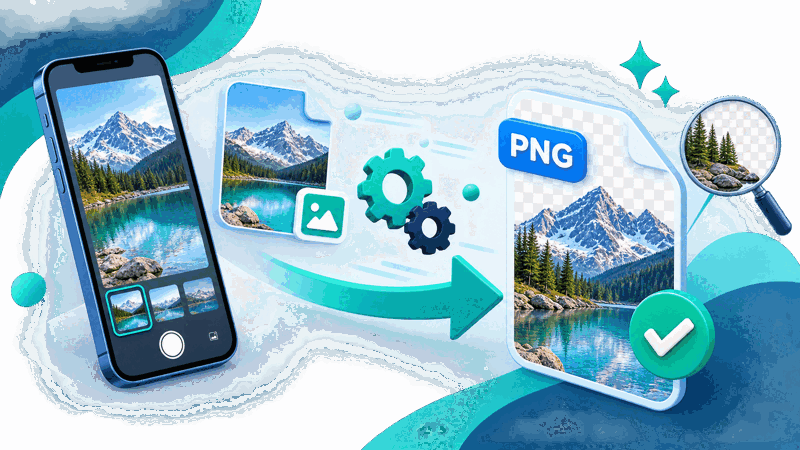
This HEIC to PNG converter turns iPhone HEIC photos into the widely supported PNG format, directly in your browser. Provide your HEIC and get a PNG. No account, no install, so you can convert HEIC photos for compatibility on any device in seconds.
How to Convert HEIC to PNG Step by Step
- Provide your HEIC. Upload the HEIC photo, such as one taken on an iPhone, that you want to convert to PNG.
- Convert to PNG. The tool converts your HEIC into the PNG format, producing a PNG version of the photo.
- Get the PNG image. Receive the PNG image, your photo now in the widely supported PNG format that works almost everywhere.
- Check the PNG. Review the PNG to confirm the photo is preserved and looks as expected in the widely supported format.
- Save and use the PNG. Save your PNG image, ready to use, share, or upload wherever PNG is supported, which is almost everywhere.
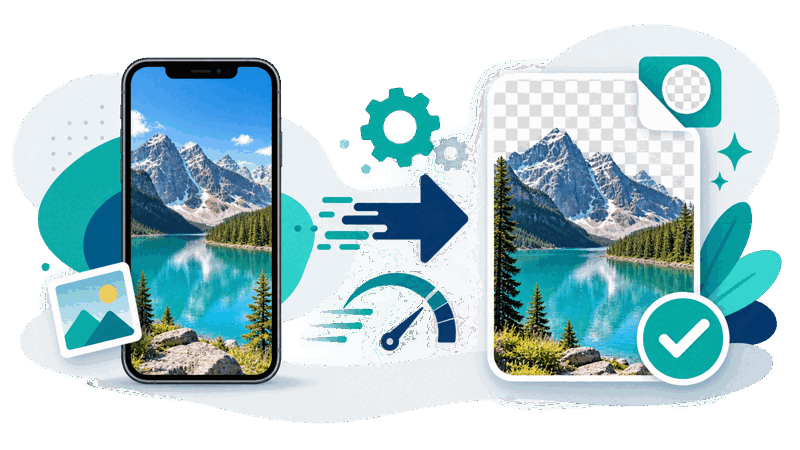
What HEIC and PNG Are
HEIC is an image format used by iPhones and some other devices for photos, offering good quality at efficient file sizes. However, HEIC is not supported everywhere: many programs, websites, and devices do not handle HEIC photos, which can make sharing or using iPhone photos difficult when the recipient or context does not support the format. PNG, by contrast, is a widely supported format that works almost everywhere.
The main reason to convert HEIC to PNG is compatibility. If you have an iPhone photo in HEIC but need to use it somewhere that does not support HEIC, converting to PNG gives you a version in a widely supported format that will work almost everywhere. So converting solves the common problem of HEIC's limited support, turning your iPhone photo into a broadly compatible PNG image.
PNG is a good target for this conversion because it is widely supported and preserves image quality well, also supporting transparency, though photos typically do not use it. Converting a HEIC photo to PNG gives a compatible image that keeps the photo's appearance. So HEIC to PNG provides a version of your iPhone photo that works in the many contexts where HEIC is not supported.
HEIC to PNG conversion is used by iPhone users and anyone with HEIC photos who needs them in a widely supported format: for sharing iPhone photos with people or systems that do not support HEIC, for using photos in software that cannot handle HEIC, or wherever broad compatibility is needed. Because PNG works almost everywhere, converting HEIC to PNG lets you use your iPhone photos wherever HEIC is not supported.
Why Convert HEIC to PNG
| Aspect | PNG | HEIC |
|---|---|---|
| Support | Near universal | Limited, iPhone and some |
| Used by | Widely everywhere | iPhones, some devices |
| File size | Larger | Efficient |
| Best for | Compatibility, sharing | Efficient storage on device |
Who Converts HEIC to PNG
Pro Tips for HEIC to PNG
Common HEIC to PNG Mistakes to Avoid
Related Tools You May Need Next
For image conversion, our HEIC to JPG tool converts HEIC to JPG, the WebP to PNG tool converts WebP, and other image tools help you convert photo formats.
Frequently Asked Questions
How do I convert HEIC to PNG?
Provide the HEIC photo, such as one taken on an iPhone, that you want to convert, and the tool converts it into the PNG format, producing a PNG version of the photo. Receive the PNG image, your photo now in the widely supported PNG format that works almost everywhere, review it to confirm the photo is preserved and looks as expected, then save and use it wherever PNG is supported. This turns an iPhone HEIC photo into a broadly compatible PNG, which is useful when you have a HEIC but need to use it somewhere that does not support HEIC. So converting to PNG solves compatibility problems, giving you a version in a near universally supported format for sharing, uploading, or using your iPhone photo.
What are HEIC and PNG?
HEIC is an image format used by iPhones and some other devices for photos, offering good quality at efficient file sizes. However, HEIC is not supported everywhere: many programs, websites, and devices do not handle HEIC photos. PNG, by contrast, is a widely supported raster format that works almost everywhere and preserves image quality well. So HEIC is an efficient format for iPhone photos with limited support, while PNG is a broadly compatible format. Converting HEIC to PNG turns an efficient but less widely supported iPhone photo into a near universally supported image, useful for compatibility where HEIC is not handled, at the cost of a typically larger file size than the efficient HEIC.
Why convert HEIC to PNG?
The main reason is compatibility. HEIC, used by iPhones, is not supported everywhere, so if you have an iPhone photo in HEIC but need to use it somewhere that does not support HEIC, you need a version in a more widely supported format. Converting to PNG gives you that: PNG is near universally supported, so the converted photo will work almost everywhere. So converting solves the common problem of HEIC's limited support, which often arises when sharing iPhone photos with people or systems that cannot handle HEIC, or uploading to sites that do not accept it. So you convert HEIC to PNG to gain broad compatibility, letting you share, upload, and use your iPhone photos in the many contexts that do not support HEIC, trading HEIC's efficient size for PNG's wide support.
Why is HEIC not supported everywhere?
HEIC is a format used by iPhones and some devices, offering efficient, good quality photos, but it is not as universally supported as older, more established formats. Many programs, websites, and devices do not handle HEIC, since support for it is not as widespread. This can make sharing or using iPhone photos difficult when the recipient or context does not support HEIC, which is a common experience for iPhone users sharing photos with others. So while HEIC is efficient and works well within the Apple ecosystem and supporting software, its limited broader support means you often need to convert HEIC photos to a widely supported format like PNG to use them elsewhere. So converting HEIC to PNG addresses this, giving a version that works in the many places HEIC is not supported.
Will the PNG be larger than the HEIC?
Likely yes, HEIC is an efficient format offering good quality at smaller file sizes, while PNG files are typically larger. So converting HEIC to PNG usually results in a larger file, since you trade HEIC's efficient compression for PNG's wide compatibility. This larger size is the cost of the broad support you gain: PNG works almost everywhere, but its files are bigger than the efficient HEIC. So you should expect the PNG to be larger than the original HEIC photo. This is why you might keep your original HEIC for efficient storage on your device where it is supported, using the PNG where wide compatibility is needed. So the PNG's larger size is a trade off for its near universal support, which is the reason for converting when HEIC is not supported.
Should I keep the original HEIC?
Yes, you should keep your original HEIC alongside the PNG, so you retain the efficient version for your device and contexts that support HEIC. HEIC's efficient compression gives good quality at smaller sizes, which is beneficial for storage where HEIC is supported, such as on your iPhone. The PNG is the broadly compatible version for where HEIC is not supported, but it is larger. So keeping both gives you the efficient HEIC for supported uses and the compatible PNG for wide use. If you discard the HEIC after converting, you lose the efficient format, which you might want. So retain your original HEIC, using the PNG for compatibility where HEIC is not supported, while keeping the HEIC for its efficiency where it is supported.
Does converting keep the photo quality?
Converting HEIC to PNG aims to preserve the photo's appearance and quality in the widely supported PNG format, since PNG preserves image quality well. So the converted PNG should keep the photo looking as expected. It is worth checking the PNG after converting to confirm the photo is preserved and looks right, but the conversion is designed to maintain the image. The main trade off is file size, with the PNG typically being larger than the efficient HEIC, rather than a loss of visible quality. So converting to PNG gives you a compatible version of your iPhone photo that keeps its appearance, letting you use it broadly while retaining the photo's look, with the larger file size being the cost of PNG's wide compatibility rather than reduced quality.
Is the HEIC to PNG converter free?
Yes, it is completely free with no account and no usage limit. You can convert as many HEIC photos to PNG as you like, as often as you like, at no cost. It runs in your browser on any device, so there is nothing to download or install, and your PNG image is ready to save once converted. Use it to turn iPhone HEIC photos into the widely supported PNG format for compatibility, whenever you need to share, upload, or use a HEIC photo somewhere that does not support it. Remember the PNG will likely be larger than the efficient HEIC, so keep your original HEIC where it is supported, using the PNG for broad compatibility.