PDF to Word
Convert a PDF into an editable Word document, so you can edit the content. No signup. Complex layouts may not convert perfectly, so review and refine the result.
Share on Social Media:
This PDF to Word converter turns a PDF into an editable Word document, directly in your browser, so you can edit the content. Provide your PDF and get a Word document. No account, no install, so you can edit PDF content in Word on any device in seconds.
How to Convert PDF to Word Step by Step
- Provide your PDF. Upload the PDF you want to convert into an editable Word document.
- Convert to Word. The tool converts the PDF into a Word document, turning the content into an editable form.
- Get the Word document. Receive the editable Word document, with your PDF's content now editable in Word.
- Review the result. Review the document to check the content converted correctly, since complex layouts may not convert perfectly.
- Edit and refine. Edit the content as needed, and refine any layout or formatting the conversion did not reproduce perfectly.
What Converting PDF to Word Does
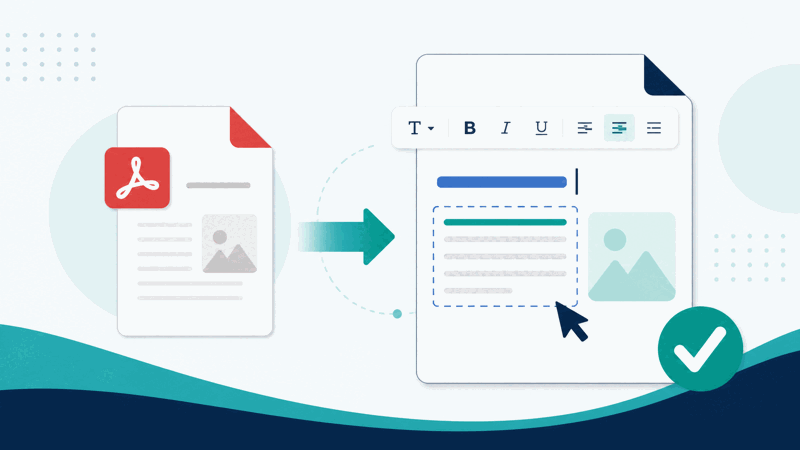
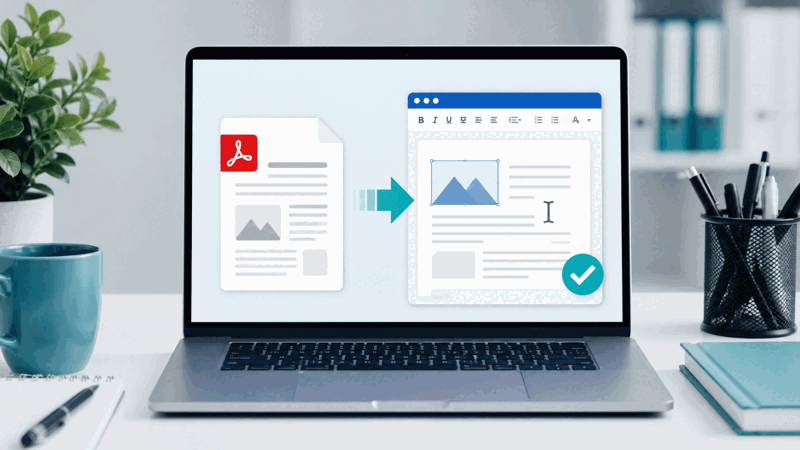
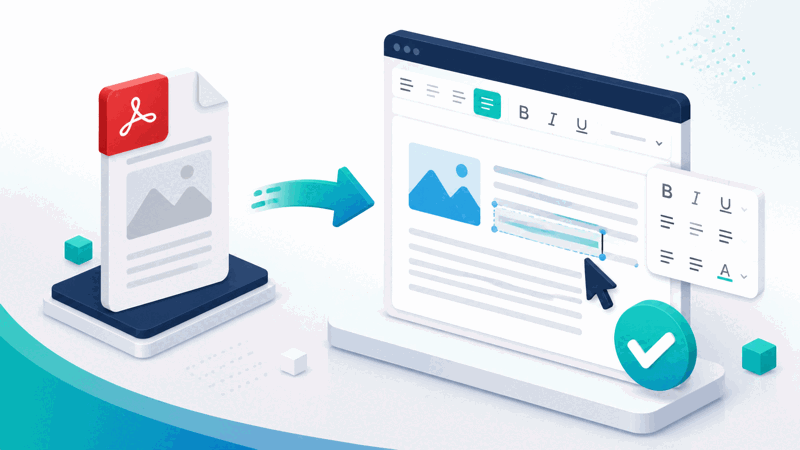
PDF is a fixed document format, so its content is not directly editable as a document. Converting PDF to Word turns the PDF into an editable Word document, so you can edit the content, changing text, adjusting layout, and working with it as an editable document, rather than having it fixed in a PDF. This makes the content workable in Word.
The main value is getting PDF content into an editable form. If you have a PDF but need to edit its content, converting to Word provides it as an editable document, letting you change the text and work with it, rather than retyping the content. This saves effort and makes the content editable, which a PDF does not allow directly.
It is important to understand that conversion may not reproduce complex layouts perfectly. A PDF's content is in a fixed format, and turning it into an editable document can be imperfect for complex or unusual layouts, so the result may need reviewing and refining. So converting gives you a good editable starting point, which you check and adjust as needed, rather than a guaranteed perfect reproduction.
PDF to Word conversion is used by anyone who has a PDF but needs to edit its content: for editing text, updating a document, or reusing content, rather than retyping it. Because getting content out of a fixed PDF into an editable document manually is tedious, a converter that does it is a practical tool, though you review and refine the result, especially for complex layouts.
An Editable Document Versus a PDF
| Aspect | Word document | |
|---|---|---|
| Editable | Yes, editable content | Fixed, not editable |
| Edit text | Supported | Not directly |
| Content | Workable in Word | Fixed in the document |
| Note | May need refining | The source |
Who Converts PDF to Word
Pro Tips for PDF to Word
Common PDF to Word Mistakes to Avoid
Related Tools You May Need Next
Once in Word, our Word to PDF tool converts back to a PDF. Our PDF to Excel and other PDF tools help you work with documents.
Frequently Asked Questions
How do I convert PDF to Word?
Provide the PDF you want to convert, and the tool converts the PDF into a Word document, turning the content into an editable form. Receive the editable Word document, with your PDF's content now editable in Word, review it to check the content converted correctly since complex layouts may not convert perfectly, then edit the content as needed and refine any layout or formatting the conversion did not reproduce perfectly. This gets your PDF's content out of the fixed document and into an editable Word document, so you can change the text and work with it, saving you from retyping the content. So converting to Word turns a fixed PDF into an editable document as a good starting point, which you review and refine for accuracy and layout, especially for complex layouts, keeping your original PDF as the source to refer to. So it makes PDF content editable in Word for you to edit and adapt.
What does converting PDF to Word do?
Converting PDF to Word turns a PDF into an editable Word document, so you can edit the content. PDF is a fixed document format, so its content is not directly editable as a document; converting turns it into an editable Word document where you can change the text, adjust content, and work with it as an editable file. So it makes the PDF's content workable in Word, rather than fixed in the PDF. This saves you from manually retyping the content to edit it. However, conversion may not reproduce complex layouts perfectly, since turning a fixed PDF into an editable document can be imperfect for complex or unusual layouts, so the result may need reviewing and refining. So converting PDF to Word gives you the content in an editable document as a good starting point, which you check and adjust as needed, letting you edit content that was previously fixed in the PDF. So it turns a non editable PDF into an editable Word document, making the content workable and editable, with a review and refinement recommended especially for complex layouts to ensure the document is as you need.
Will the conversion be perfect?
Not necessarily, conversion may not reproduce complex layouts perfectly, since a PDF's content is in a fixed format and turning it into an editable document can be imperfect for complex or unusual layouts. So the result may need reviewing and refining, especially for complicated documents with intricate layout or formatting. For simpler documents, the conversion may be quite accurate, but you should not assume a guaranteed perfect reproduction of complex layouts. So the converter gives you a good editable starting point from the PDF, which you review to check it converted correctly and refine if needed, adjusting any layout or formatting that did not reproduce perfectly. So while conversion is a great way to get PDF content into an editable Word document and avoid retyping, treat the result as needing a review for accuracy and layout rather than a flawless reproduction, particularly for complex documents, refining it so the final document is as you require. So the conversion produces an editable document that is usually a good basis, but complex layouts may need adjustment, so review and refine the result to ensure it accurately reflects the content and layout you need.
Why convert PDF to Word?
You convert PDF to Word when you have a PDF but need to edit its content, since PDF is a fixed format whose content is not directly editable as a document. Converting to Word turns the content into an editable document, letting you change the text, update the content, or reuse it, working with it as an editable file rather than a fixed PDF. This saves you from manually retyping the content to edit it, which would be tedious and error prone. So converting is useful whenever you need to edit or reuse a PDF's content: updating a document, changing text, adapting content for another use, or otherwise working with it editably. So people convert PDF to Word to unlock the content from a fixed PDF into an editable form, avoiding retyping and enabling them to edit and work with the content. So you convert PDF to Word to make a PDF's content editable, so you can change and reuse it in Word, though you review and refine the result to ensure it accurately reflects the content and layout, especially for complex layouts. So the reason is to get editable content from a fixed PDF for editing and reuse.
Should I review the converted document?
Yes, you should review the converted Word document, since conversion may not reproduce complex layouts perfectly, and reviewing lets you check the content converted correctly. Turning a fixed PDF into an editable document can be imperfect, especially for complex layouts, so there may be layout or formatting differences, or issues in the result. Reviewing the document lets you catch and address any such problems, so you use a good document. So after converting, check the Word document against the PDF to confirm the content is correct and the layout is acceptable, and refine it if needed, adjusting any layout or formatting that did not reproduce well. This is important because using an unreviewed conversion risks working with a document that has unnoticed issues, especially in complex layouts. So reviewing, and refining where necessary, ensures the document accurately reflects the PDF's content and is as you need, giving you a reliable editable document to work with rather than one with unaddressed conversion issues. So review the converted document to confirm accuracy and layout, refining it especially for complex layouts, so your final editable Word document is correct and usable for your editing and reuse.
Can I convert the Word back to a PDF?
Yes, once you have the content in an editable Word document, you can convert it back to a PDF using a Word to PDF converter, going the other way. So if you edit the content in Word and then want it as a PDF document again, that conversion is available. This means you can move between the editable Word document and the fixed PDF forms as needed: PDF to Word to get the content into an editable document, and Word to PDF to turn the edited document back into a PDF. So depending on your need, you can convert a PDF to Word to edit its content, and later convert the Word document to a PDF for sharing, viewing, or a fixed document. So the two conversions let you move content between the fixed PDF form and the editable Word form, editing the content in Word and producing a PDF when you need a fixed, portable document. So you can convert the Word back to a PDF after editing, giving you flexibility to work with the content editably and then create a PDF for distribution or viewing, moving between the editable and fixed document forms as your purposes require throughout your work with the document.
Should I keep the original PDF?
Yes, you should keep your original PDF, so you have the source to refer to when reviewing or refining the converted Word document, and to retain the fixed document form. Since the conversion may not be perfect for complex layouts, having the original PDF lets you check the Word document against it, confirming the content converted correctly and correcting any layout or formatting issues. Keeping the PDF also means you retain the fixed document alongside the editable Word version, in case you need the original form. So do not discard the original PDF after converting; keep it as the source for verification and as the fixed document version. If you lose the PDF, you lose the reference for checking the conversion and the fixed document form. So retaining your original PDF is useful both for reviewing and refining the Word document accurately and for keeping the fixed document available for any need requiring the PDF form. So keep the original PDF alongside the editable Word document, using the Word version for editing and the PDF as the source and fixed document, ensuring you have both forms available for verification and your various needs as you work with the content.
Is the PDF to Word converter free?
Yes, it is completely free with no account and no usage limit. You can convert as many PDFs to Word as you like, as often as you like, at no cost. It runs in your browser on any device, so there is nothing to download or install, and your editable Word document is ready once the PDF is converted. Use it to turn a PDF into an editable Word document, so you can edit the content, change text, update, or reuse it, saving you from retyping the content manually. Remember that conversion may not reproduce complex layouts perfectly, so review the resulting Word document and refine any layout or formatting the conversion did not reproduce, especially for complex documents, and keep your original PDF as the source to check against. So use it to get editable content from a PDF into Word, reviewing and refining the result so your final editable document is accurate and as you need for editing and reuse.