Word To PDF
Convert Word documents into PDF files, for portable sharing that looks the same everywhere. No signup. Ideal for sharing documents reliably as a PDF.
Share on Social Media:
This Word to PDF converter turns Word documents into PDF files, directly in your browser. Provide your Word document and get a PDF. No account, no install, so you can share documents as a portable PDF that looks the same everywhere, on any device in seconds.
How to Convert Word to PDF Step by Step
- Provide your Word document. Upload the Word document you want to convert into a PDF file.
- Convert to PDF. The tool converts the Word document into a PDF, preserving the content and layout in the portable PDF format.
- Check the PDF. Review the resulting PDF to confirm the document appears correctly, with the layout and content as intended.
- Save the PDF. Save the PDF, now a portable document version of your Word file, ready to share or use.
- Share or view anywhere. Share the PDF, confident it will look the same and be viewable on almost any device, unlike a Word file that needs compatible software.
What Word and PDF Are
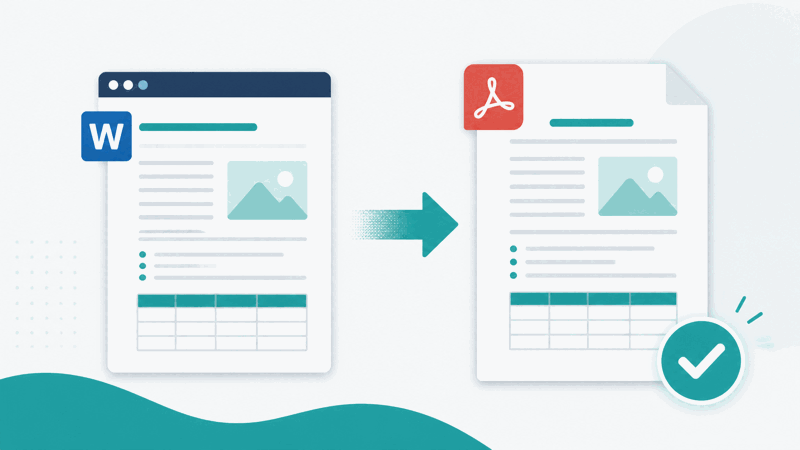
Word is a widely used format for creating and editing documents, ideal for writing and formatting. However, a Word document needs compatible word processing software to open, and its appearance can vary between versions, devices, or if fonts are missing. PDF, by contrast, is a portable document format that looks the same everywhere and opens on almost any device without special software, making it ideal for sharing.
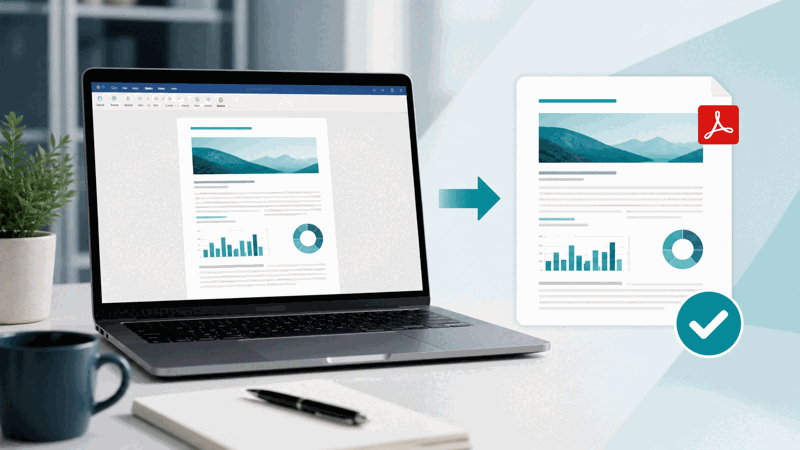
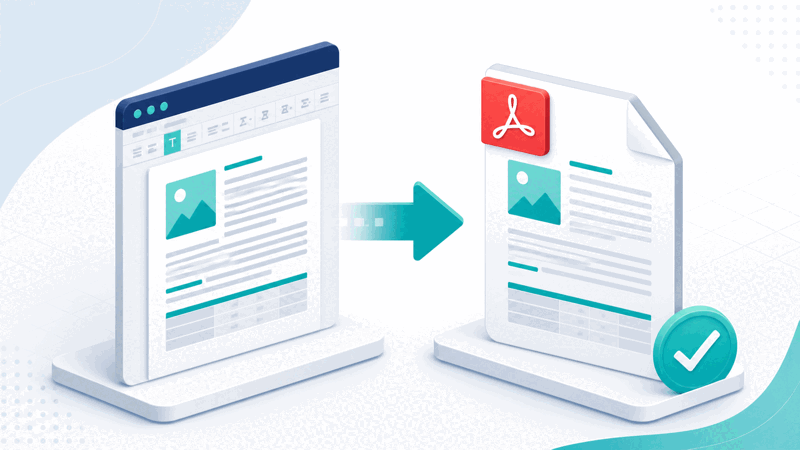
Converting a Word document to PDF turns your editable document into a fixed, portable PDF, preserving the content and layout. The PDF displays consistently, so it looks the same as you intended regardless of where it is opened, unlike a Word file whose appearance can differ. This makes the PDF reliable for sharing, since recipients see the document as you meant it to look.
The main benefit is reliable, portable sharing. When you share a document as a PDF, recipients can open it on almost any device without needing word processing software, and it looks consistent, with the layout fixed. This avoids the problems of sharing a Word file, where the recipient might lack the software, or the document might display differently due to version or font differences.
Word to PDF conversion is used whenever you want to share a document reliably: sending documents to people who may not have word processing software, ensuring consistent appearance, or providing a document for viewing rather than editing. Because PDF is universally supported and displays consistently, converting a Word document to PDF is a practical way to share documents so they look right and open easily for everyone.
Why Convert a Word Document to PDF
| Aspect | Word document | |
|---|---|---|
| Software needed | Opens almost anywhere | Needs word processing software |
| Appearance | Consistent, fixed | Can vary by version or fonts |
| Best for | Sharing and viewing | Creating and editing |
| Editability | Fixed document | Editable |
Who Converts Word to PDF
Pro Tips for Word to PDF
Common Word to PDF Mistakes to Avoid
Related Tools You May Need Next
For more document tasks, our PDF to Word or document tools convert the other way, the Organize PDF arranges PDF pages, and other PDF tools help.
Frequently Asked Questions
How do I convert Word to PDF?
Provide the Word document you want to convert, and the tool turns it into a PDF, preserving the content and layout in the portable PDF format. Review the resulting PDF to confirm the document appears correctly, with the layout and content as intended, then save it. The PDF is a portable document version of your Word file, ready to share or use, and you can share it confident it will look the same and be viewable on almost any device, unlike a Word file that needs compatible software. This turns your editable document into a reliable, portable PDF for consistent sharing and viewing, while you keep your original Word file for any editing.
What are Word and PDF?
Word is a widely used format for creating and editing documents, ideal for writing and formatting, but a Word document needs compatible word processing software to open, and its appearance can vary between versions, devices, or if fonts are missing. PDF, by contrast, is a portable document format that looks the same everywhere and opens on almost any device without special software. So Word is the editable format for creating documents, while PDF is a portable, consistent format ideal for sharing and viewing. Converting Word to PDF turns your editable document into a fixed, portable PDF that displays consistently, making it reliable to share, since recipients see the document as you intended regardless of their software or device.
Why convert a Word document to PDF?
The main reason is reliable, portable sharing. When you share a document as a PDF, recipients can open it on almost any device without needing word processing software, and it looks consistent, with the layout fixed, so they see the document as you intended. This avoids the problems of sharing a Word file, where the recipient might lack the software to open it, or the document might display differently due to version, device, or font differences. So converting to PDF makes your document open easily and appear consistently for everyone. It is ideal when you want to distribute a document for viewing reliably, ensure a consistent appearance, submit a document where PDF is preferred, or provide the document as a fixed file rather than an editable one.
Will the document look the same in the PDF?
Converting a Word document to PDF preserves the content and layout in the portable PDF format, and the PDF displays consistently, so it looks the same as you intended regardless of where it is opened. This is a key benefit of PDF: it looks the same everywhere, unlike a Word file whose appearance can vary between versions, devices, or if fonts are missing. So the PDF fixes the appearance, showing your document consistently. It is still worth reviewing the resulting PDF to confirm the document converted correctly and appears as intended, but the PDF format is designed to display consistently, which is why it is reliable for sharing documents that look right everywhere, with the layout and content preserved as you meant them.
Can I edit the document in the PDF?
A PDF is a fixed document, not editable in the same way as a Word file, so it is not intended for editing the document as you would in word processing software. The PDF is a portable, fixed version of your document, suited to viewing and sharing rather than editing. So if you need to edit the document, you should keep your original Word file and edit that, using the PDF as the shareable, viewable version. Expecting to edit the document within the PDF as you would in Word misunderstands the format's purpose. So convert to PDF for reliable sharing and viewing, but retain your original Word file for making any changes to the document, since the PDF is a fixed document rather than an editable one like the Word original.
Should I keep the original Word file?
Yes, you should keep your original Word file, since the PDF is for viewing and sharing, not editing the document as you would in Word. If you need to make changes to the document, you need the editable Word file, as the PDF is a fixed document. So keep your original Word file, using the PDF as the shared version rather than a replacement for the editable original. If you lose or discard the Word file, you lose the ability to edit the document easily, having only the fixed PDF. So retain the original Word file for editing, and share the PDF for reliable, consistent viewing, keeping both the editable source and the portable shareable version so you can edit when needed and share confidently.
When should I share a PDF instead of a Word file?
You should share a PDF instead of a Word file when the goal is reliable viewing, especially if recipients may lack word processing software, or when consistent appearance matters. A PDF opens on almost any device without special software and looks the same everywhere, avoiding the problems of a Word file that a recipient might be unable to open or that might display differently due to version, device, or font differences. So for distributing a document for viewing, ensuring it looks right for everyone, submitting where PDF is preferred, or providing it as a fixed file, a PDF is better. Share a Word file only when the recipient needs to edit the document and has the software; otherwise, a PDF is the more reliable choice for sharing documents consistently.
Is the Word to PDF converter free?
Yes, it is completely free with no account and no usage limit. You can convert as many Word documents to PDF as you like, as often as you like, at no cost. It runs in your browser on any device, so there is nothing to download or install, and your PDF is ready to save and share once the document is converted. Use it to turn Word documents into portable, consistent PDFs that open on almost any device and look the same everywhere, ideal for sharing documents reliably, while keeping your original Word file for any editing. Remember to check the converted PDF appears correctly before sharing it.