Paragraph Counter
Count the number of paragraphs in your text instantly, along with sentences, words and characters, as you type. No signup, works on any device.
Result
A new paragraph is counted at each blank line (two line breaks).
Share on Social Media:
This paragraph counter counts the paragraphs in your text as you type, along with sentences, words and characters, directly in your browser. Paste or write your text and the counts update live. No account, no install, so you can count paragraphs on any device in seconds.
How to Count Paragraphs Step by Step
- Paste or type your text. Drop your text into the input box, or start typing directly. The counts begin updating from the very first character.
- Read the paragraph count. The Paragraphs card shows how many paragraphs your text contains, updating live as you add or remove blank lines.
- Check sentences, words and characters. Alongside paragraphs you also see sentences, words and characters, giving a fuller picture of your text at a glance.
- Edit and watch it update. Add a blank line to split a paragraph, or remove one to merge, and the paragraph count changes instantly to match.
- Use the counts as you write. Keep the tool open while drafting to keep an eye on how many paragraphs your piece has, with no need to press a button.
What a Paragraph Counter Counts and How
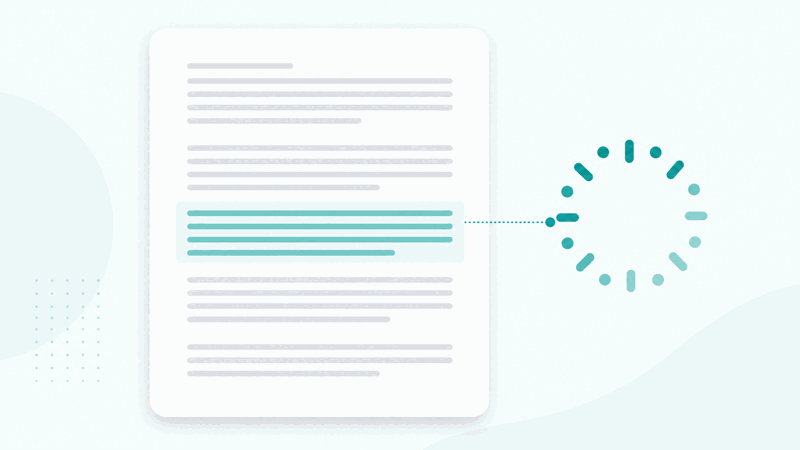
A paragraph counter counts how many paragraphs a piece of text contains. A paragraph is a block of text separated from the next block by a blank line, so the counter looks for those blank-line breaks and counts the blocks between them. This tool does that live in your browser as you type, so the number is always current.
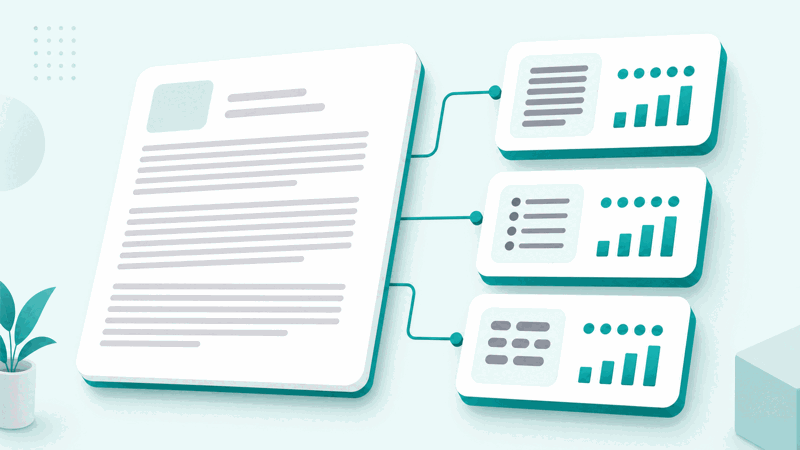
Alongside the paragraph count, the tool also reports sentences, words and characters. Sentences are counted by looking for sentence-ending punctuation such as full stops, question marks and exclamation marks. Words are counted as runs of non-space characters, and characters are the total length of your text. Together these give a rounded view of your writing.
Because everything runs in your browser, your text is never uploaded to a server. That makes the tool fast and private: the counts appear the instant you type, and nothing you write leaves your device. It works the same on a phone, tablet or computer, with no account and no limit on how much text you can check.
Paragraph counting is useful whenever the number of paragraphs matters, such as meeting a structure requirement, breaking up a wall of text, or checking that a piece is neither too dense nor too fragmented. Seeing the count live makes it easy to shape your text as you write, rather than counting blocks by hand afterwards.
Paragraphs Versus Lines and Sentences
| Unit | How it is counted | What it measures |
|---|---|---|
| Paragraph | Blocks separated by a blank line | Structure and grouping of ideas |
| Line | Each single line break | Visual rows of text |
| Sentence | Ends at . ! or ? | Individual statements |
| Word | Runs of non-space characters | Length of the text |
Who Uses a Paragraph Counter
Pro Tips for Counting Paragraphs
Common Paragraph Counting Mistakes to Avoid
Related Tools You May Need Next
For more on your text, our Word Counter gives full word statistics, the Sentence Counter counts sentences, and the Character Counter counts characters.
Frequently Asked Questions
How do I count paragraphs online?
Paste or type your text into the input box and the paragraph count appears instantly on the Paragraphs card, updating live as you edit. The tool treats a blank line as the break between paragraphs and counts the blocks between them, so you never have to count by hand. It also shows sentences, words and characters at the same time, giving a full picture of your text as you write.
What counts as a paragraph?
A paragraph is a block of text separated from the next by a blank line, that is, two line breaks. The counter looks for those blank-line breaks and counts the blocks of text between them. A single line break inside a block does not start a new paragraph, so lines that wrap or continue on the next line still belong to the same paragraph until a blank line separates them.
Does the paragraph counter also count words?
Yes. Alongside the paragraph count, the tool shows the number of sentences, words and characters in your text at the same time. Words are counted as runs of non-space characters, so you get a rounded view of your writing, its paragraphs, sentences, words and characters, all updating live as you type or edit, without pressing any button.
Is my text uploaded anywhere?
No. The counting happens entirely in your browser, so your text is never sent to a server. This makes the tool both fast and private: the counts appear the instant you type, and nothing you write leaves your device. You can paste sensitive or unpublished text and count its paragraphs with confidence that it stays on your own device.
Why is my paragraph count different from what I expected?
This usually happens when paragraphs are separated by single line breaks rather than blank lines. The tool counts a new paragraph after a blank line, so blocks joined by single line breaks may be read as one paragraph. Adding a blank line between paragraphs makes each one count separately and brings the number in line with what you expect.
Can I count paragraphs on my phone?
Yes. The tool runs in your browser and works the same on a phone, tablet or computer, with no app to install. Paste or type your text and the paragraph count appears instantly. Because everything runs on your device, it is just as fast and private on mobile as on a desktop, so you can check paragraphs anywhere.
Is there a limit on how much text I can check?
No. You can paste or type as much text as you like and the counter measures all of it, updating the paragraph count live. There is no account, no signup and no usage limit. Whether you are checking a short note or a long document, the tool counts every paragraph instantly, as often as you need, at no cost.
Is the paragraph counter free?
Yes, it is completely free with no account and no limit. You can count paragraphs as often as you like, on any device, at no cost. The tool runs in your browser, so there is nothing to download or install, and the paragraph, sentence, word and character counts appear instantly as you type. Use it whenever you need to know how many paragraphs a piece of text contains.